GitMCP: Pointing Your AI Assistant at Real Repository Docs
My AI tools kept inventing APIs for libraries they barely knew. GitMCP fixed that, and the setup takes about two minutes.
I spend a lot of my day in Cursor working on .NET services, and for the most part it is great. But every time I touch a library the model does not know well, the suggestions get creative in the worst way. Methods that do not exist, config options from three major versions ago, that kind of thing.
A while back I found GitMCP, an open source project by idosal, and it has quietly become part of my default setup. This post covers what it does and how I use it.
What GitMCP is
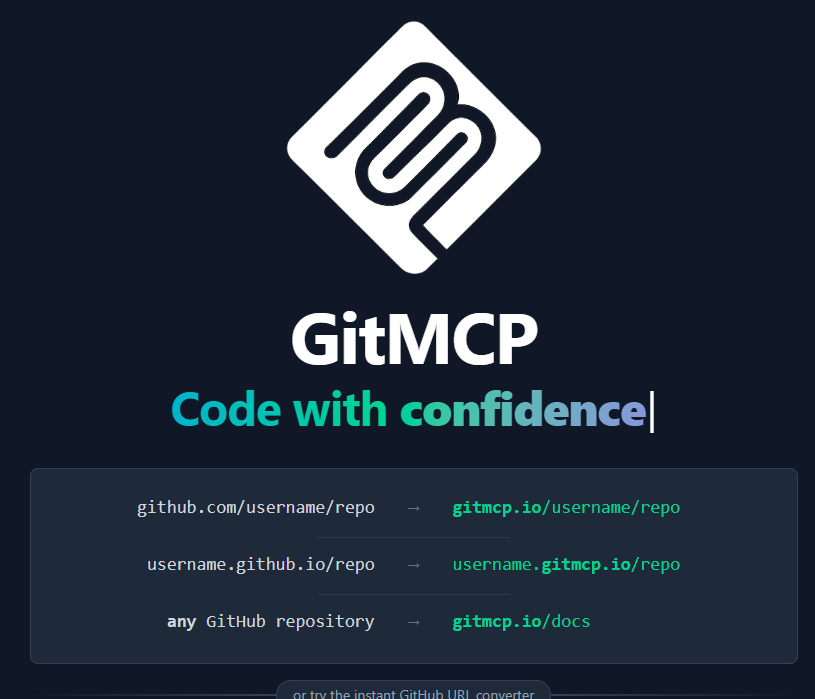
GitMCP is a free MCP (Model Context Protocol) server that gives your AI assistant live access to the documentation of any public GitHub repository. The trick is almost funny in how simple it is: take a repository URL and swap github.com for gitmcp.io. That URL is now an MCP server your editor can talk to.
So instead of the model answering from whatever it half remembers about a library, it can pull the actual README, the actual docs, and even search the actual code.
Why I wanted this
Three problems kept coming up in my day to day work:
- The model would suggest APIs that simply do not exist
- It would reference methods that were deprecated or removed a long time ago
- It had no idea about conventions specific to the project I was asking about
All three come from the same root cause: the model is guessing from training data instead of reading the source. GitMCP removes the guessing.
How it works
The flow is straightforward:
- You add a GitMCP URL as an MCP server in your editor or AI tool
- You ask a question about the library
- The assistant calls GitMCP, which fetches the relevant docs or code from GitHub
- The answer comes back grounded in what is actually in the repository
When it looks for documentation, GitMCP checks for an llms.txt file first, then project docs, then the README. If the repo maintainers ship AI friendly docs, you get those. If not, you still get the real thing.
My Cursor setup
Here is the relevant part of my ~/.cursor/mcp.json (on Windows it lives at %USERPROFILE%\.cursor\mcp.json). These are the repositories I reach for most in .NET work:
{
  "mcpServers": {
    "Orleans Framework": {
      "url": "https://gitmcp.io/dotnet/orleans"
    },
    "ASP.NET Core": {
      "url": "https://gitmcp.io/dotnet/aspnetcore"
    },
    "Entity Framework": {
      "url": "https://gitmcp.io/dotnet/efcore"
    }
  }
}
Restart Cursor after editing the file and the servers show up. That is the whole setup.
If you do not want to pin specific repositories, there is also a universal endpoint at gitmcp.io/docs that lets the assistant pick a repository on the fly based on your question.
Where it has actually helped me
The clearest win was Orleans. When I started working with it, the model on its own was shaky on grain lifecycles and clustering config, and a wrong answer there costs you hours. With the Orleans repo wired up through GitMCP, the answers started matching the current docs instead of an older mental snapshot of the framework.
It has also been useful before contributing to open source projects. Being able to ask about a codebase’s structure and conventions, and getting answers based on the real repository, shortens the time from cloning to a useful first PR.
A note on privacy
GitMCP does not require authentication, only touches public content, respects robots.txt, and is open source, so you can self host it if you want. Nothing about your code leaves your machine through it; it only pulls public repository content in.
Wrapping up
Credit to idosal for building this and giving it away. The git-mcp repository is worth a look if you are curious how it works under the hood.
If you have been burned by an AI assistant hallucinating an API, try pointing it at the real repository. It is a small change to your config and a noticeable change in answer quality.